Can your franchise staff get to the location?
I found that i had to cancel the contract, and change it to another, then change it back. then it seemed to work.
I have this issue as well. The money is in the ungodly rents I charge these businesses. Contract eventually expired and I signed a new contract. Shop opened.
I really don’t care, though. The money is in the ungodly rents I gouge them with.
Yes, I have proper secure zones and all that as just yesterday passengers were passing through just fine (Alpha35)
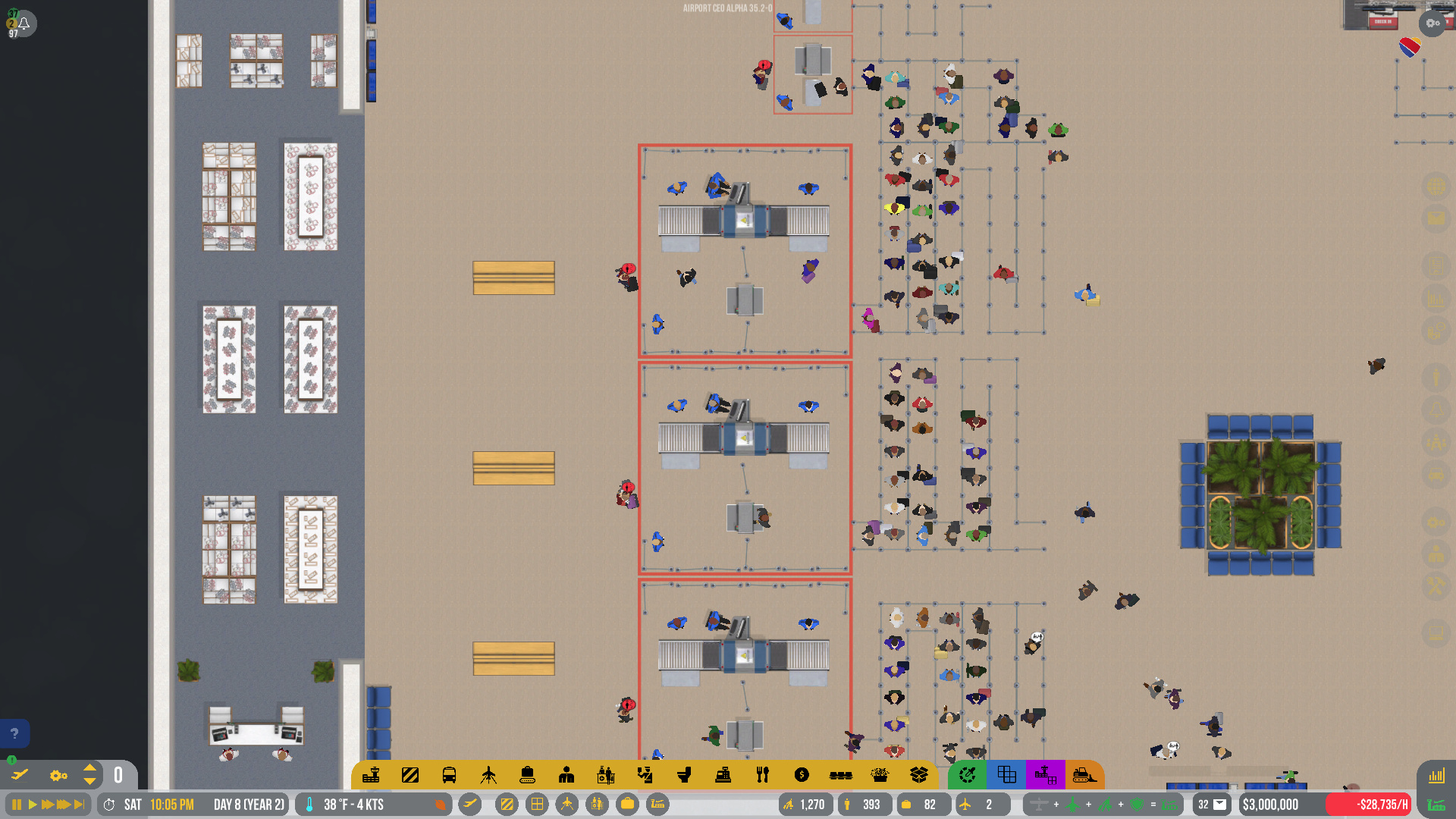
They are all just on top of each other.
(ALPHA 35 EXPERIMENTAL) My ground crew recently just stopped unloading baggage. The baggage vehicles show up but nobody is there to move the bags. I know I have enough staff because there are about 50 ground crew just standing in a staff room in that terminal doing nothing. This happens to all the aircraft even after restarting
I reported it as a bug but I left the game earlier so I forgot to get the ACEO#
You can also find bug report numbers in the Player.Log file. It keeps a recent record there of them 
1 Like
Where is Player.log located?
No idea on Windows I’m afraid. On a Mac it’s in your ~\Library folder.
C:\Users\<USERNAME>\AppData\LocalLow\Apoapsis Studios\Airport CEO\output_log.txt usually contains the bug numbers on Windows, but as far as I know it’s recreated every time you start the game, so only the numbers of the last session are visible there.
3 Likes
thank you
1 Like
OK I FIGURED IT OUT! Somehow I forgot to zone my stands as being part of the terminal, so thats why workers didn’t show up.
After the latest experimental patch, I have noticed that at the large security checkpoints that I have there are security guards taking their positions on their however they do not work and the stand still gives me a warning that there are not enough security guards for the position.
Disregard, it appears turning the checkpoint on and off fixes it.
Hi All,
Since the new update I’m working on an half national, half international terminal dedicated for 1 airline.
I always like to make remote stands for the small jets.
In the new experimental update I have 1 International Small Remote Stand.
I can’t get passengers to the plane, as the bus stand (usually for arriving and departing) seems to be only for arriving passengers.
It specifically says if I look at the stand; Airside shuttle bus stop. Arrival-only airside bus stop connected.
I don’t see an option for a bus stop for departing passengers.
Who can help me fix this? I prefer to keep it as is and don’t want to make a sidewalk to the stand.
Thanks!
You have to assign the gate desk to the departure bus stop + the gate
That works for non-international flights indeed. Once you switch the stand to an international stand, the issue comes up.
Is your bus gate marked as international? May you have to disconnect everything and try again. I had something similar when I changed the gate.
First I want to say that I love the job you’ve done with this update, but there is a minor detail I would like to be changed: if you put a manned-passport check near an automated one, the “wait” lines are not aligned and my OCD is going crazy.
Yes I know it’s a minor thing and it doesn’t deserve a bug report but it would be nice to have this “issue” solved!!!
Any idea when this update will drop Olof?
I would highlight one side of the terminal (Check in, security, and gates) as one “terminal” and then the other side (Check in, security, and gates) as a separate “terminal”.
1 Like