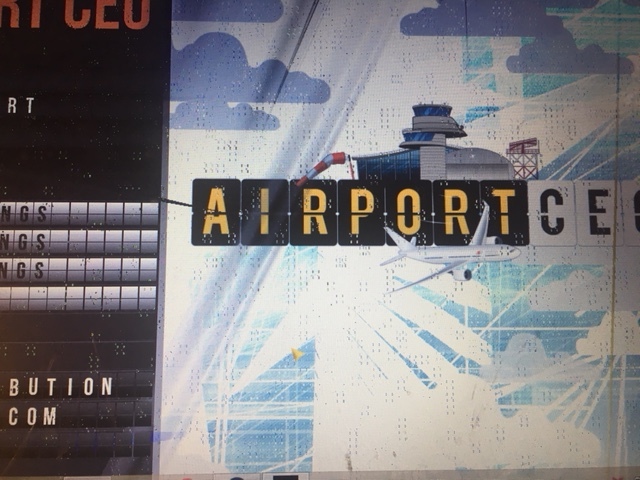
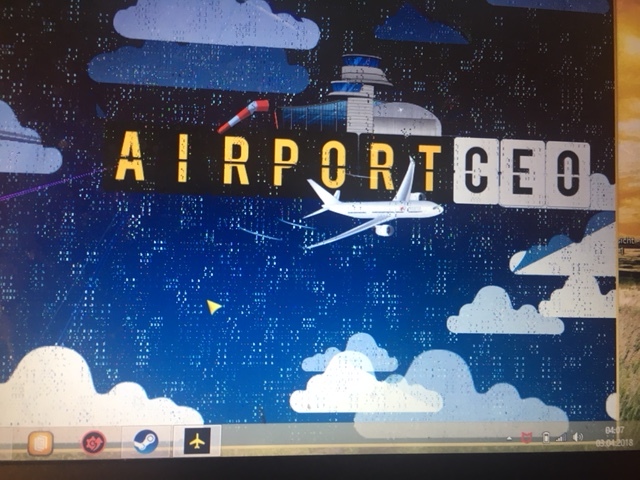
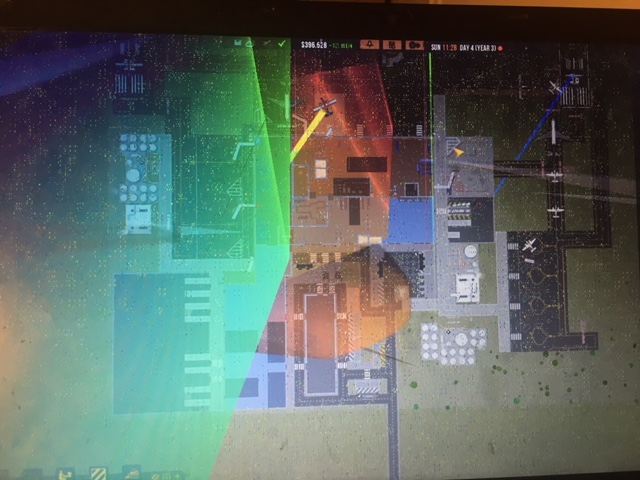
I’ve been playing Airport CEO on a regular pc, without major complications, for quite a while now. Today I tried to also install the game on my laptop but with only mediocre success unfortunately
Upon starting the game the whole screen starts flickering massively including pixel errors.
I’d be thankful if anyone has got a solution to this issue.
Pictures of the screen are attached.
Greetings,
Martin
Intel(R) HD Graphics Family
NVIDIA GeForce 840M
Adapter-RAM (2.147.483.648) Bytes
Treiberversion 10.18.10.3496
Auflösung 1366 x 768 x 60 Hz
Bits/Pixel 32
Thanks for your quick response
I hope I didn’t forget anything
I tried to deinstall the 840M driver which brought a slight improvement but still some flickering.
Even though I am quite sure that this is just my individual problem I’d appreciate hints on how to solve it.
Yeah, that’s the issue, unfortunately I cannot reproduce the issue as it, as you’ve correctly identified, seems to be hardware related. Whenever we’ve had flickering issues it is usually an indication that something with your computer’s graphics component is struggling to correctly render the game. Is the graphics card running on the latest driver? For the 840M card you should run the latest available drivers from Nvidia. What about the version on DirectX, has that been updated recently?
Yea, double check it and all drivers + DirectX are current. (Unfortunately haha)
Completely deactivating the 840M card actually solved the issue for the time being (no flickering and pixel erros anymore) but I wouldn’t want to leave it like that. I will have a closer look to this issuse whenever I’ve got more time.