I’ve seen this reported a couple of times in the past, but we’re never really able to reproduce it. What operating system are you using? Do you get the “X”-logo where the airport logo should go?
I hadn‘t reported it , but i had the same problem with a34. It always showed the x logo.
I’m here to report the ACEO-26096 bug: with the new update two tile of international zone at every gate are disappearing.
I’m getting a lot of passengers stuck on departure bus stops anyone else? ACEO-26100
Are those arriving pax with red bubbles above their heads looking for security?
I can see your problem dude, You are using the medium bag drop offs without the automated checkin desks or small checkin desks. I had the same problems.
Yes, and if I remove the international zoning they proceed to security exit
E190 Mods missing the wings, Bugreport ACEO26099 (Livery is loaded correctly, plane jsons file reseted to original from Example Mod)
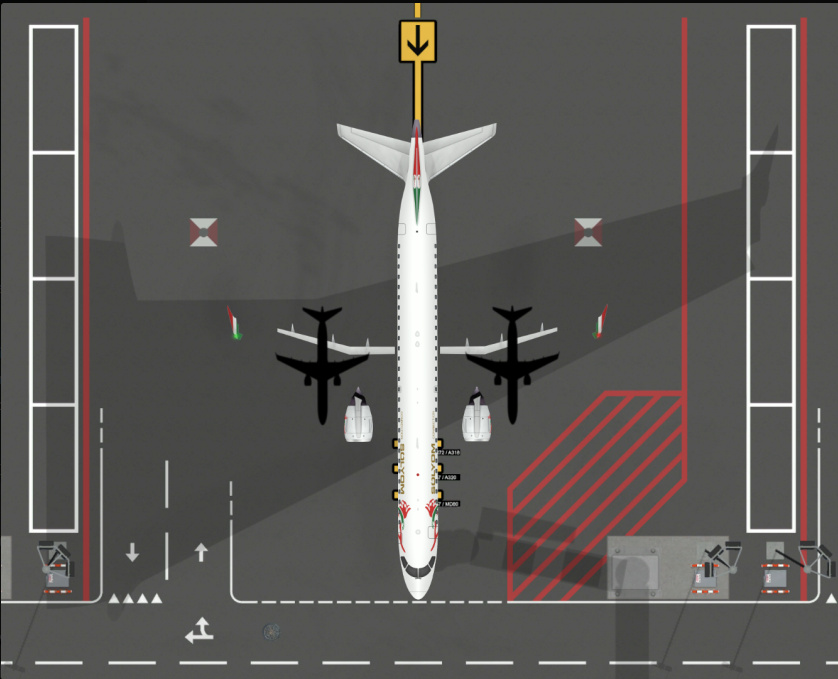
OH. I haven’t tried that yet. Mine are stuck since A35 is released. But I sent a report a few days ago.
But send one too
I think it looks like they expect to be domestic pax if you do not use a separate drop off
I’m on windows 10, and yes, every load atm i get the X-Logo. But if i start a new game the logo is working. I think you can check ASOT-25840 and 25963 In both of those i had the X-logo. I started a completely new airport when the terminal update was released. And when i loaded the game the first time i think it was, the logo was X-logo instead. Also if i load an older airport, or any save the logo is the X-logo.
Seems none of my Security points are working, even though they are fully staffed. Was trying to push through a hour or two in game time so I could land the new Big Bird that somehow got snuck in, but alas, it was too annoying
Are/were they workshop logos or default?
Default logo, i always tend to use logo 1, the light blue logo.
1 Like
Super strange! Never been able to reproduce it (not in Build nor Editor) so need to investigate further
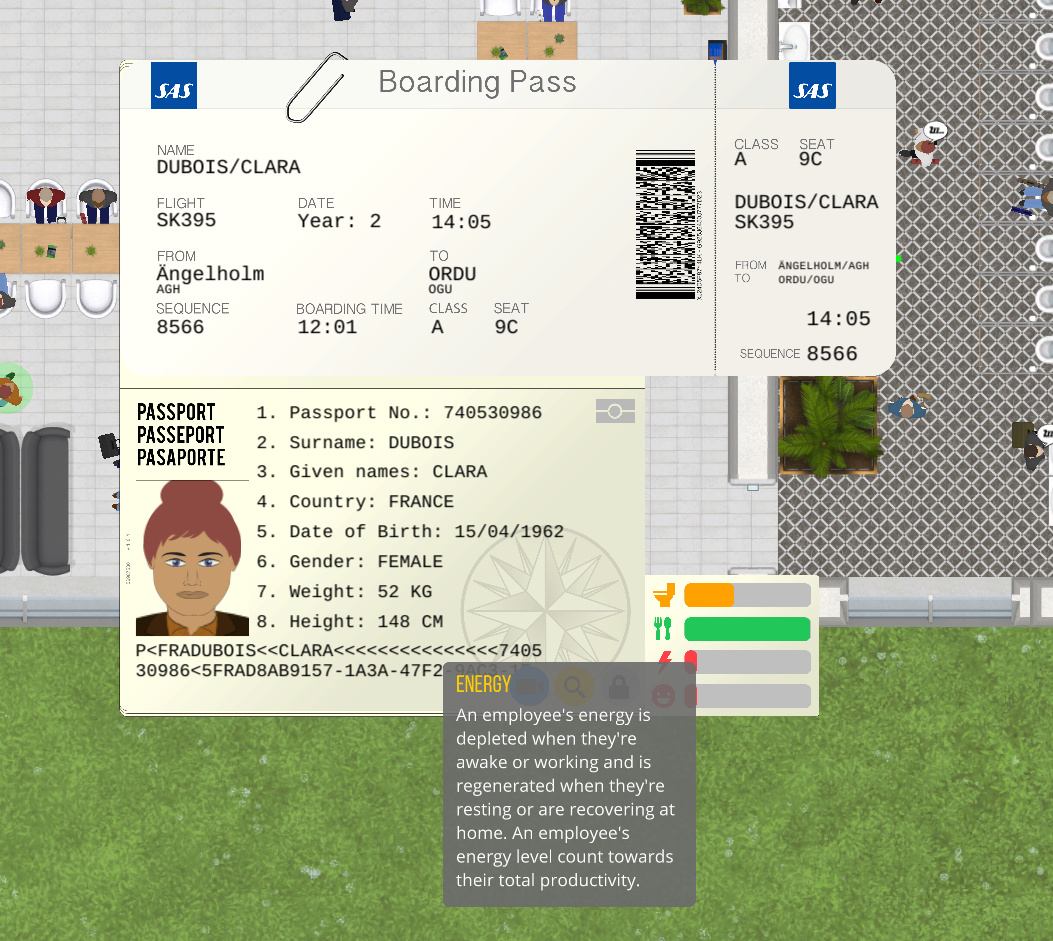
Just noticed a small detail @Alexander. I did not make a bug report for this. I think the pic is self-explanatory.
1 Like
Yeah. Just let me know what you need  I miss my logo hehe.
1 Like
Do you need to have a staffed check-in-desk, or is only automated possible? If needed, how many staffed is needed?
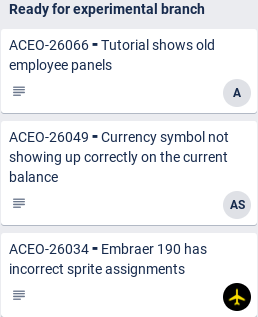
I see bugs being squashed! 
3 Likes
@Olof Does this then fix the issue when pax loosing their path and want to go from one to another security area bypassing passport control?
Where is the realistic international stand button, mine has disappeared, just a gap now, anyone know the if this is a known bug?