Yeah, aircraft still seem to hold for aircraft that are behind them, but began taxiing first. Pathfinding for aircraft and airport vehicles could use a lot of work
2 Likes
in my game it’s darn near unplayable due to this. SMH, seems like many simulators these days are really having trouble delivering stable, fairly major bug-free, detailed gameplay.
Have you bug reported this? We cannot do anything unless we receive a bug report, there’s been efforts in Alpha 34 to mitigate the issue you’re describing but ATC simulation is very complex and there are hundreds of different cases that can invoke such a bug, which is why we need to take a look at the save in question.
Is it just me or is the medium ATC tower broken? I have submitted a bug report
Is the ATC tower fully built?
Yes it is
In the flight planner it does not allow for the 75 flights but acts like it’s not there
We cannot reproduce the issue here, have tried with the bug we got in. Can you reproduce it? Are you building in a certain way?
Currently not home so I won’t be able to for a wile
1 Like
We’ve gone over the backlog from the night with the default deployment and overall it looks like we’ve had a stable release. Here are fixes for the most commonly reported issues now deployed on the default branch:
Release notes - Airport CEO - Version Alpha 34.5-1
Bug
- [ACEO-22291] - Disabling weather effect does not work while weather precipitation is being simulated
- [ACEO-22296] - Tutorial refers to procurement panel instead of R&D panel for baggage handling
- [ACEO-22312] - Resuming a paused project will make it progress even though the minimum assignment requirement hasn't been reached.
- [ACEO-22315] - Runway descriptions texts incorrect
- [ACEO-22319] - Tool tip display can randomly be hidden when displaying large sections of text
- [ACEO-22320] - Stand and runway repair costs not showing correctly when hovering the repair button
Edit: Pushed a small hotfix of a missing string. Same version number.
Edit: This version is now live on the default branch! 
6 Likes
I certainly did. thanks. I really hope you guys look at the save because the layout of taxiways around my airport may very well be challenging the capabilities of ATC simulation.
ACEO-22375
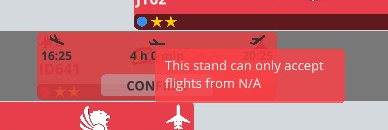
When I remove a contract of an airline which had a fixed stand assignment, the stand does not get released again even when the setting says “allow all airlines”.
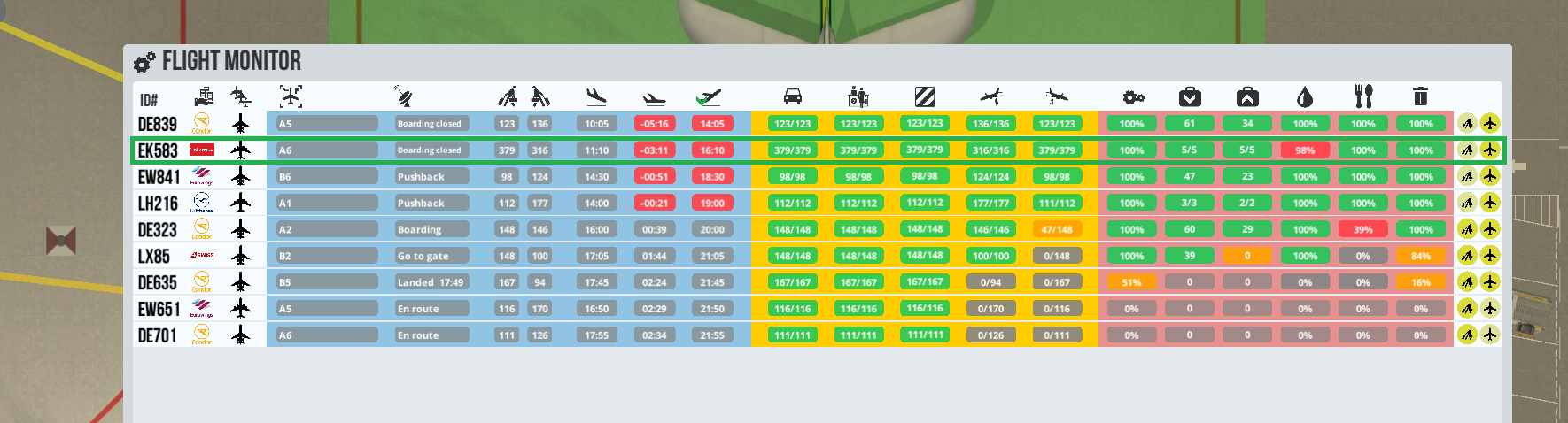
That plane it`s an A380, everything was ready on time except for fueling which delayed it by more than 3 hours, at least 4 trailer fuel trucks emptied themself into it…
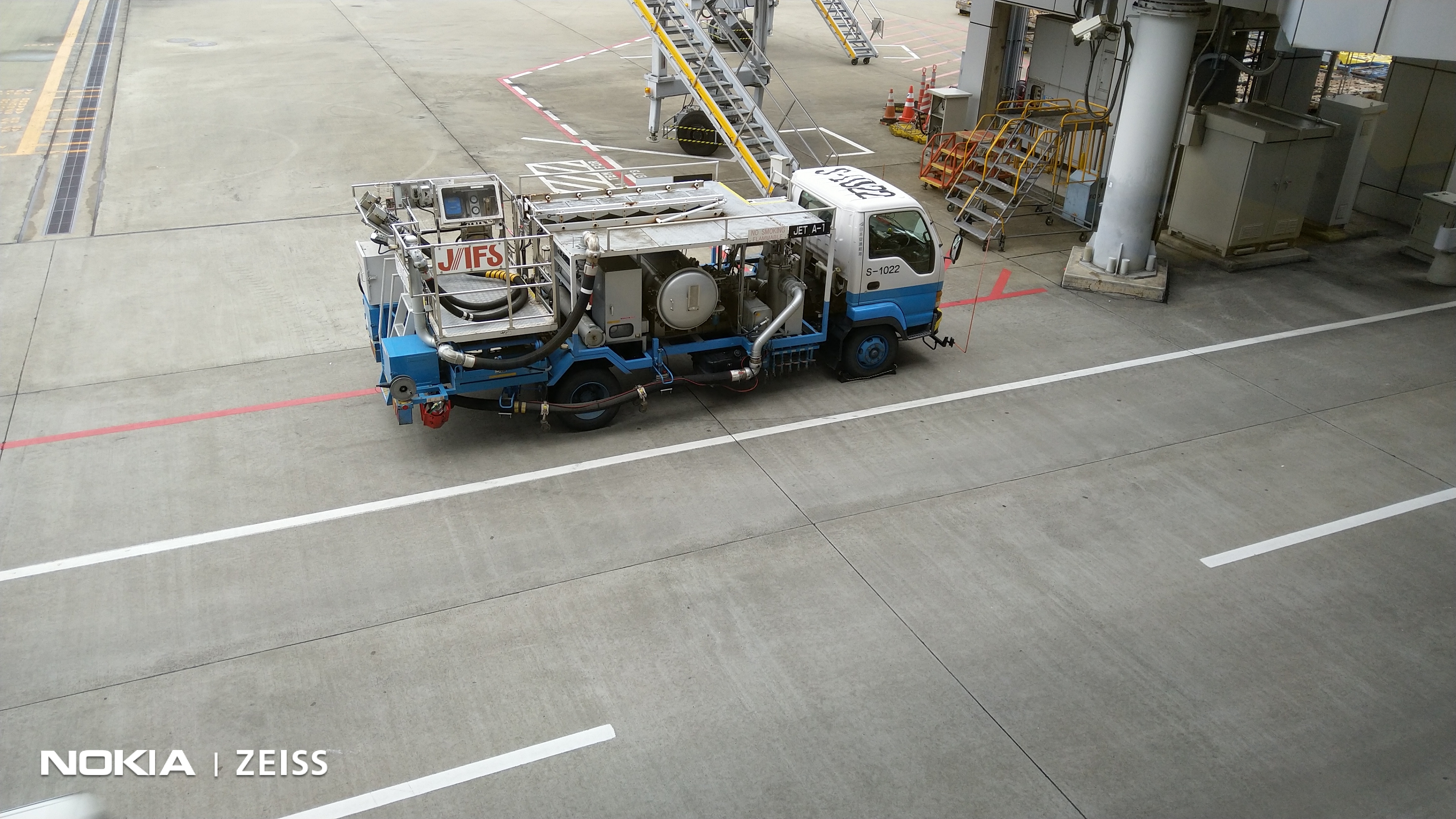
Would love to have an option to upgrade the stand with fuel output valves. And with that an specialized vehicle for this refill operations.
7 Likes
Same here. Big planes are often late cause of refueling. I’m already using the high tier trucks.
I’ve noted that even though I have medium flights accepted on the stand, I have to check it again in the flight planner. Is that correct? Also, the toggle in the flight planner seems broken. I toggle it on. Close the flight planner and then go back into the flight planner in it’s off again. [22433]
Also, the filter airline size is non operative when you don’t have a contract selected.
Hi everyone!
I’ve been testing the latest version of the game, it’s very good, but … how do I advance the research percentage of a project? I hired the administrators, but the percentage does not advance.
He advanced with the simplest projects, but for the most important, such as the contract to build flats, he did not progress.
I think it is an important bug, but if there are mandatory prerequisites for each project, they should create a “manual” for using the new R&D system.
I enclose images.
In the first, it is clear that the time is running to the maximum, the administrators are working, but the percentage does not go.
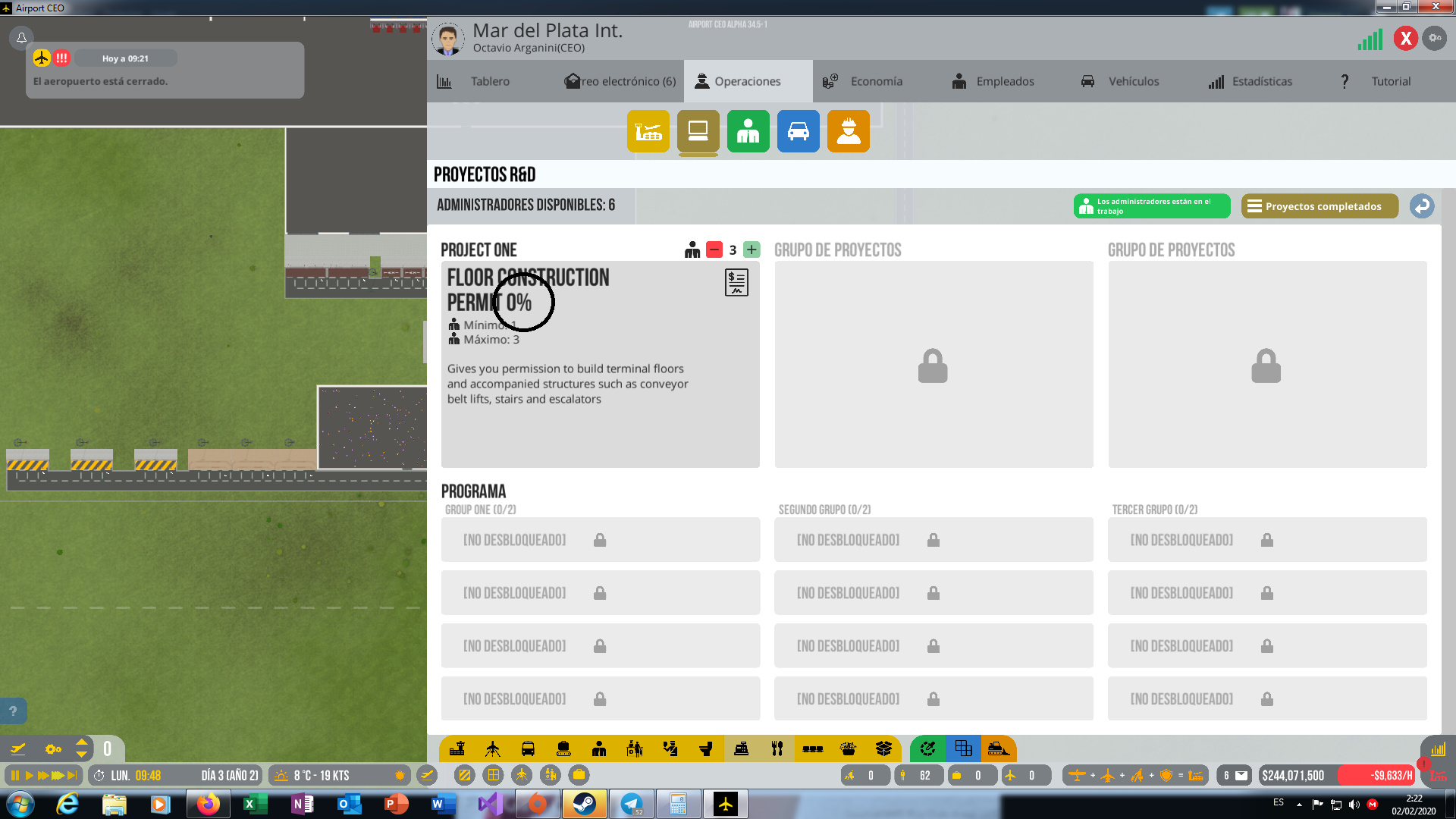
In the second image, I show the initial projects that did run the percentage and were completed correctly.
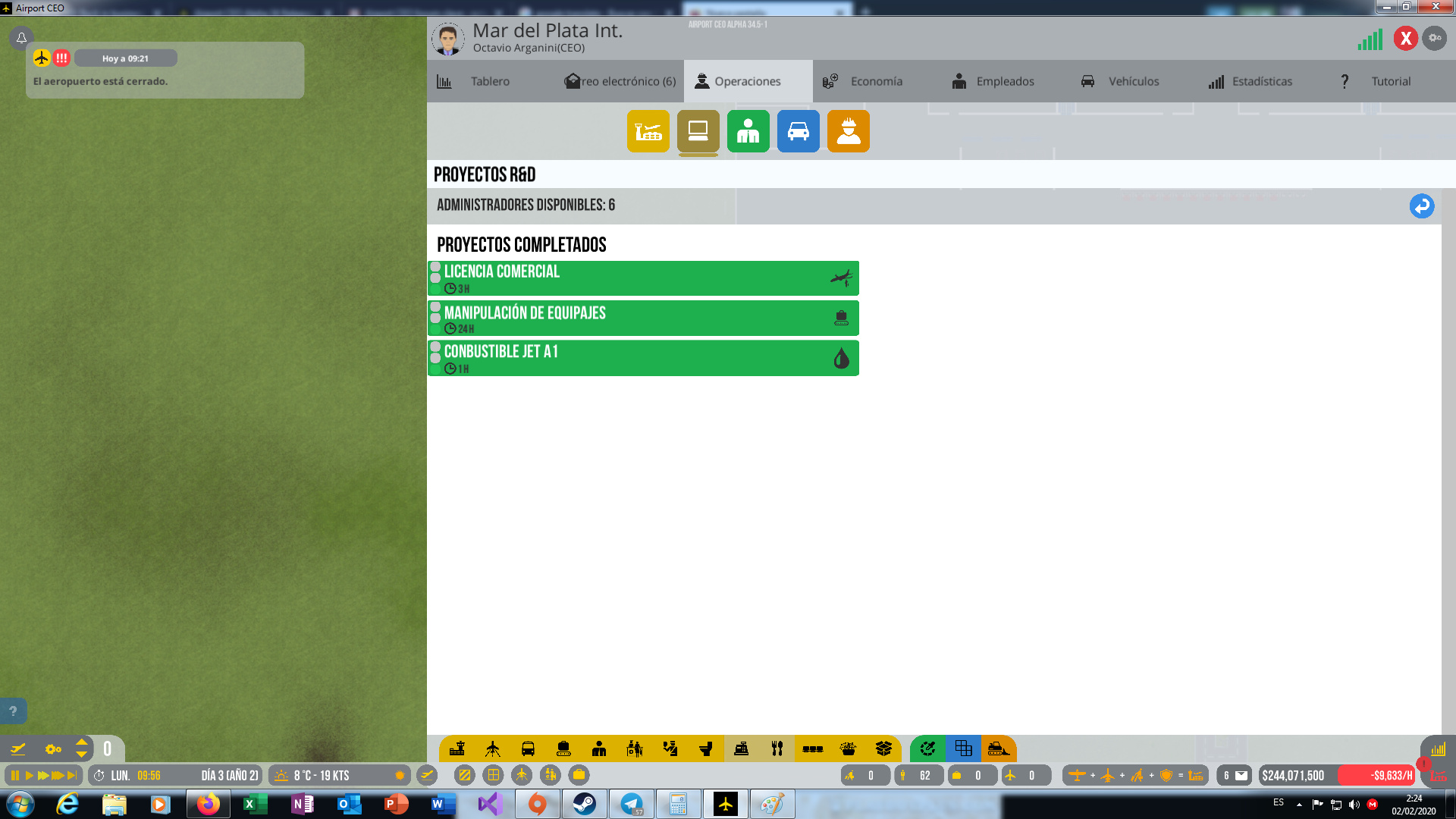
What is the problem of why the percentage does not work correctly, even if it has what is necessary for it?
Regards!
There can be 2 reasons;
- Do Administrators be at airport and working? Maybe they went home. There is a setting to set work hours for Admins which suppose to be 24 hours by default
- What are the % of productivity of admins? You can click one of them and see yourself. If their satisfaction level is not high it may slow down the process.
1 Like
You mean airplane size? That bothers me too.
@Olof Still getting the problem of dangerous bags loading despite correct setup, max trained security with short shift. Despite the fact that it was supposedly fixed (ACEO-21990). Resubmitted (ACEO-22491).
Also still having problems with the auto-planner scheduling overlapping flights (annoying as hell).
2 Likes