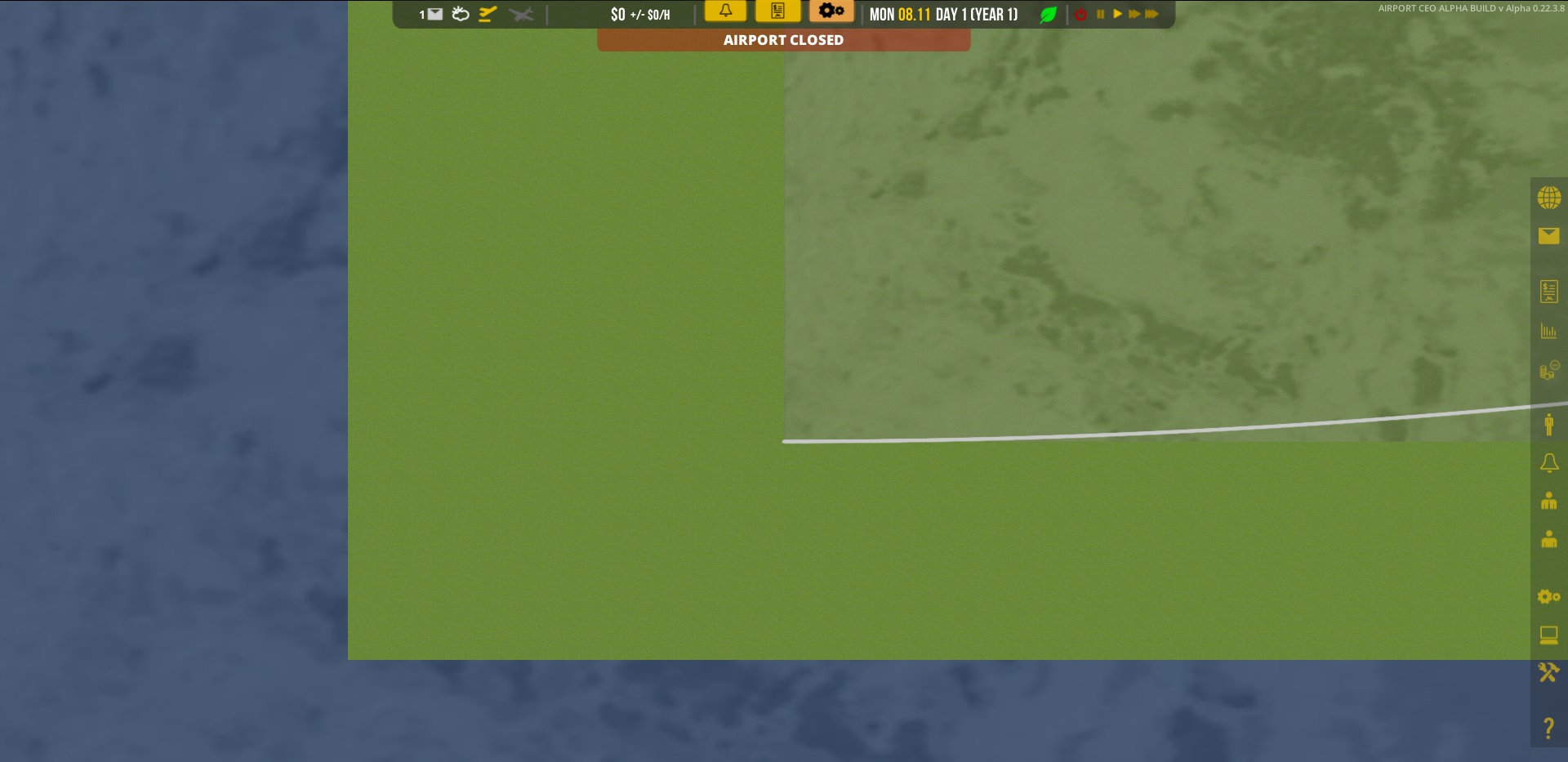
After the 0.22.3.8 upgrade i can’t save load saved games. It kind off “freezes”. Look picture below.
I tried to start a new game in v 0.22.3.8 save it and load it. i Get my green screen of “freeze”
I can load games from 0.22.3.4 - 0.22.3.8. Play the for houres. Then i save the game. And when i reload it.
Green screen of “freeze”
The green screen of freeze i like looking at the lower left edge of playable area.
Can zoom in and out. Can’t scrool, flight plan not working, cant display anything.
I will uninstall the game and try a fresh 0.22.3.8 install
Edit:
I have reinstalled my computer. Now with Windows 10, on a blank disk.
Installed steam and Airport CEO.
Chose betas in steam. Got the New Version,
Start a New airport. The Builders are comming, but does nothing.
No boxes…
Save the game, load, and still the green screen…
It’s frustrating !!
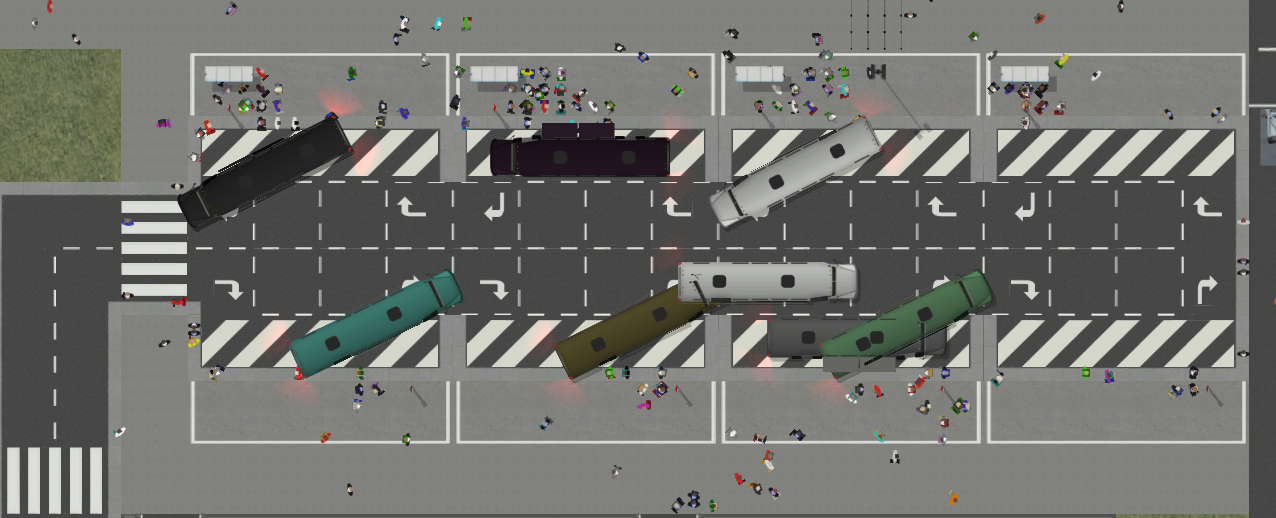
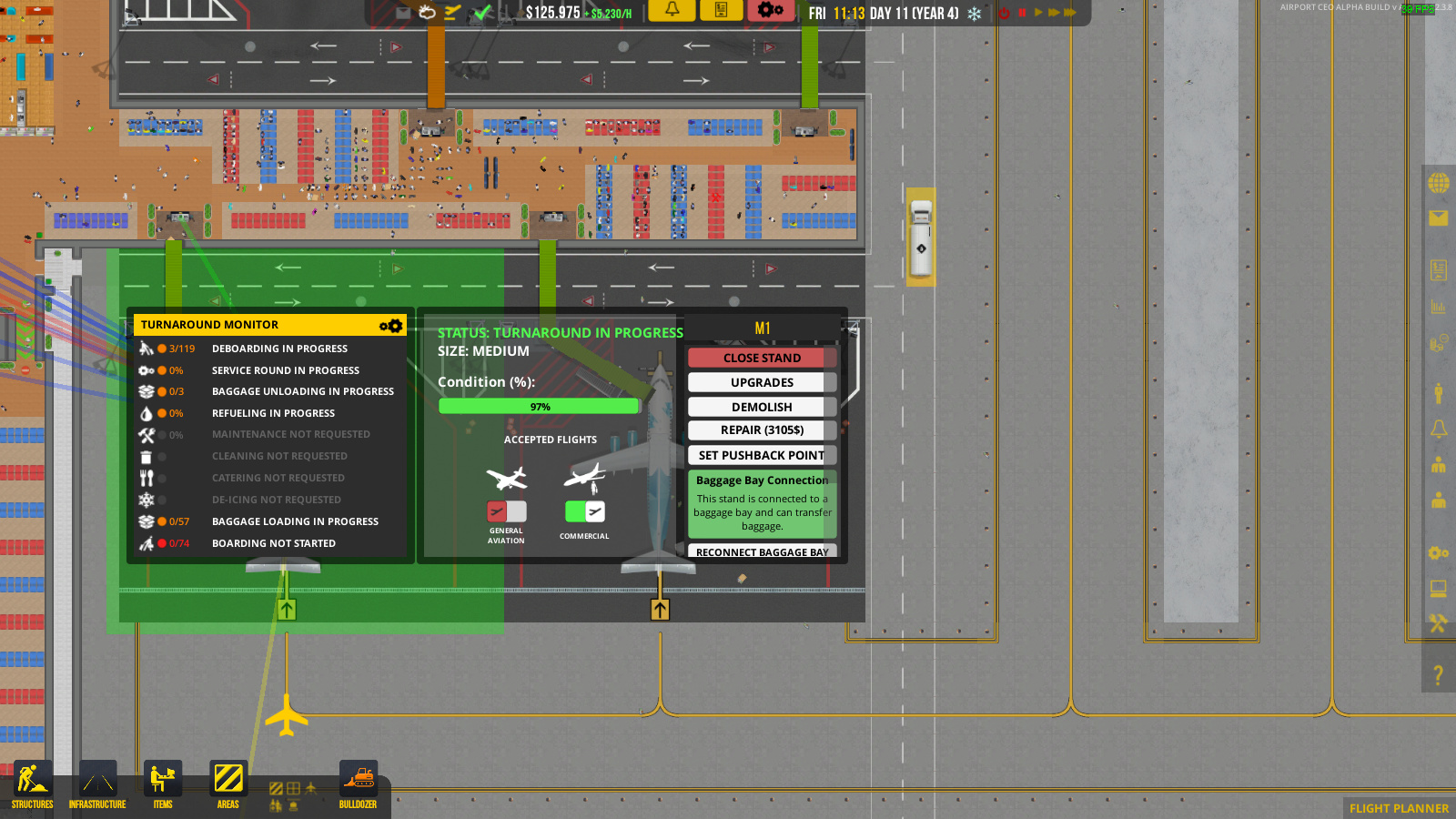
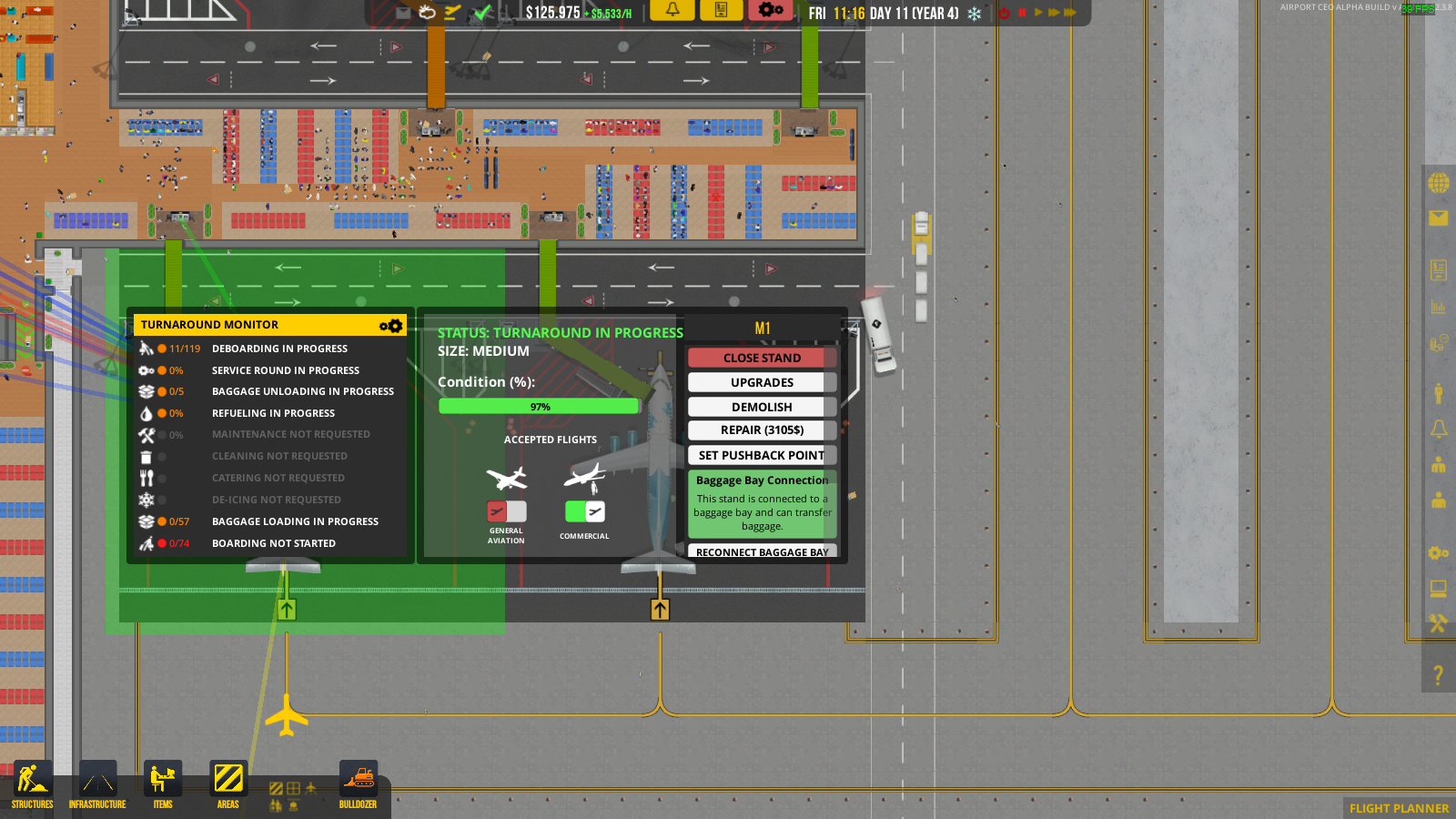
Not sure if it was always there as I notice it for the first time now. But fueltrucks and service vehicles don’t like taking a left turn to a stand, the go all the way to the end, then drive back to take a right turn.
Dunno if this is a bug or not, but has anyone else come across the baggage belts acting like this (not drawing the bit going underground from the check-in counter)
I also have problems with tunnels sometimes being spawn on the first underground tile, the first upper ground tile or not being spawned at all.
Edit:
PS. I know it’s not a bug or an issue, but could it be possible to just double click the loadfile to launch the file, instead of selecting and then hitting the load game button?
New update on the experimental branch, hopefully the last before transition to default but quite a lot has happened “under the hood”.
We’ve transitioned the code base .NET version from 3.5 to 4.6 which is quite a large change, it give us access to better functionality but could also mean unexpected behavioral changes which we need to test. 4.6 has allowed us to do some additional changes to the path finding system which should bring an additional (very minor) performance improvement, now up to 3500 nodes per millisecond (depending on hardware and world layout of course) and also hopefully remove those crashing issues that people have been experiencing. Any new issues with freezew or crashes that you stumble upon, we’d really like to hear about it.
We’re also testing a new vehicles overview panel. To make it work for your existing airports, open the development panel (press F10), scroll down and press the button “Claim all service vehicles”. New purchased service vehicles will be added automatically. Deterioration is not yet simulated and we’re still testing assigning of depots!
Will update here soon with changelog for this version.
i’m getting an error on the flight planner when trying to drop a schedule “UNABLE TO ALLOCATE THIS PANEL” it throws this and keeps saying can’t schedule night flights or night flights are not approve when trying to drop it in the daytime slots
other issues
delivery trucks never show up despite a save/reload my work around this is to f10 and turn off construction
In the new vehicle management screen you can select a depot to associate with a vehicle, but when you change the name of a depot the list doesn’t update. I have screenshots that ilustrate this, but the forum will only let me post one picture per post.
Can confirm the problem in the flight planner as well… - Showing cannot place flights plus it allowed me to place flights within the timeframe I should not have been allowed to place them…
Firstly one of my planes isn’t boarding. There are 2 boarding desks and staff at the desks.
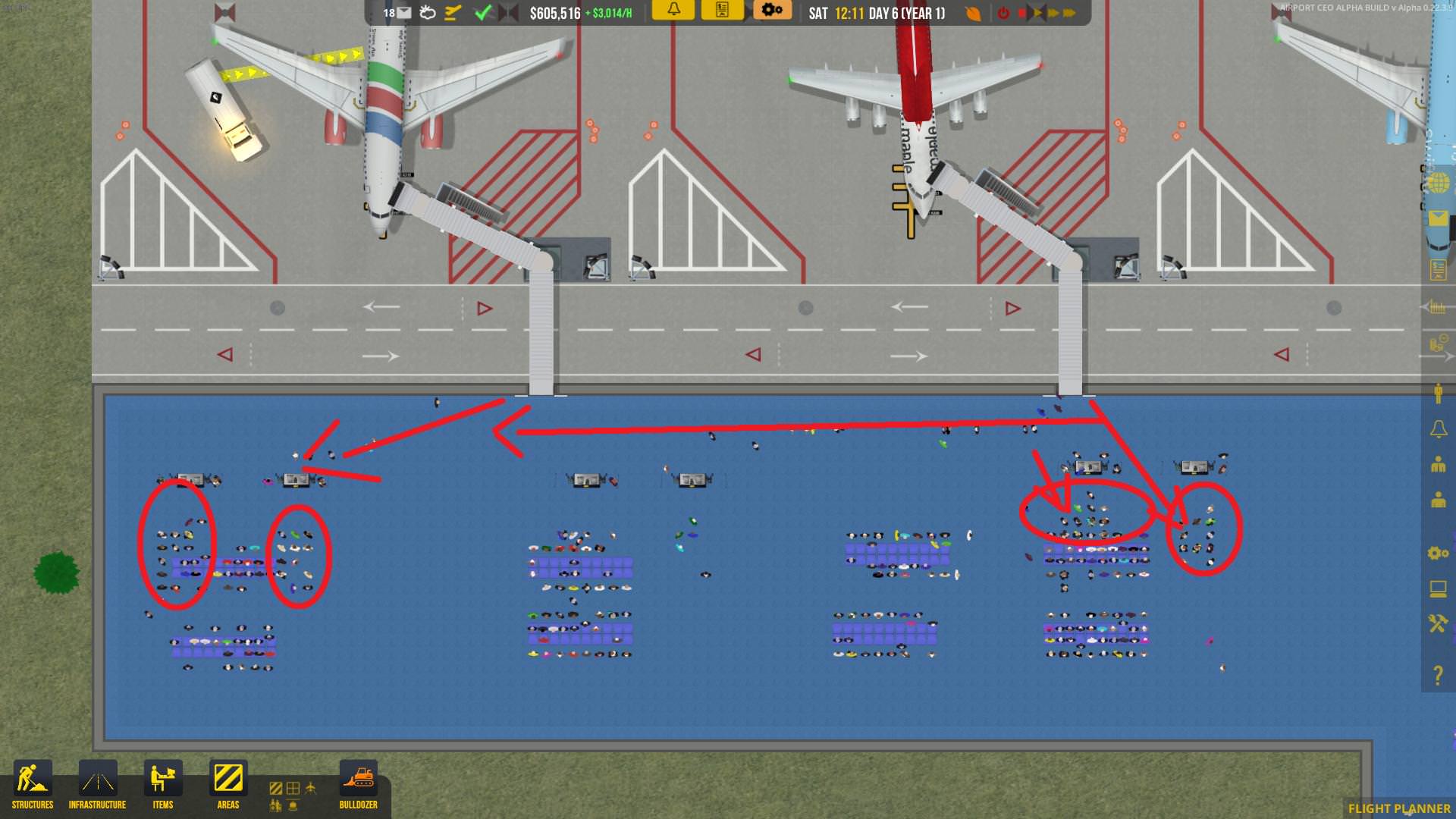
Secondly, passengers that deboard from the plane stand around the check in desks, they don’t leave the airport. They all stand on the same tiles and overlap eachother. Pic:
Arrows indicate where deboarded passengers are walking. Circles indicate where they are moving to. Once they reach their spot in the circle they just stand there.
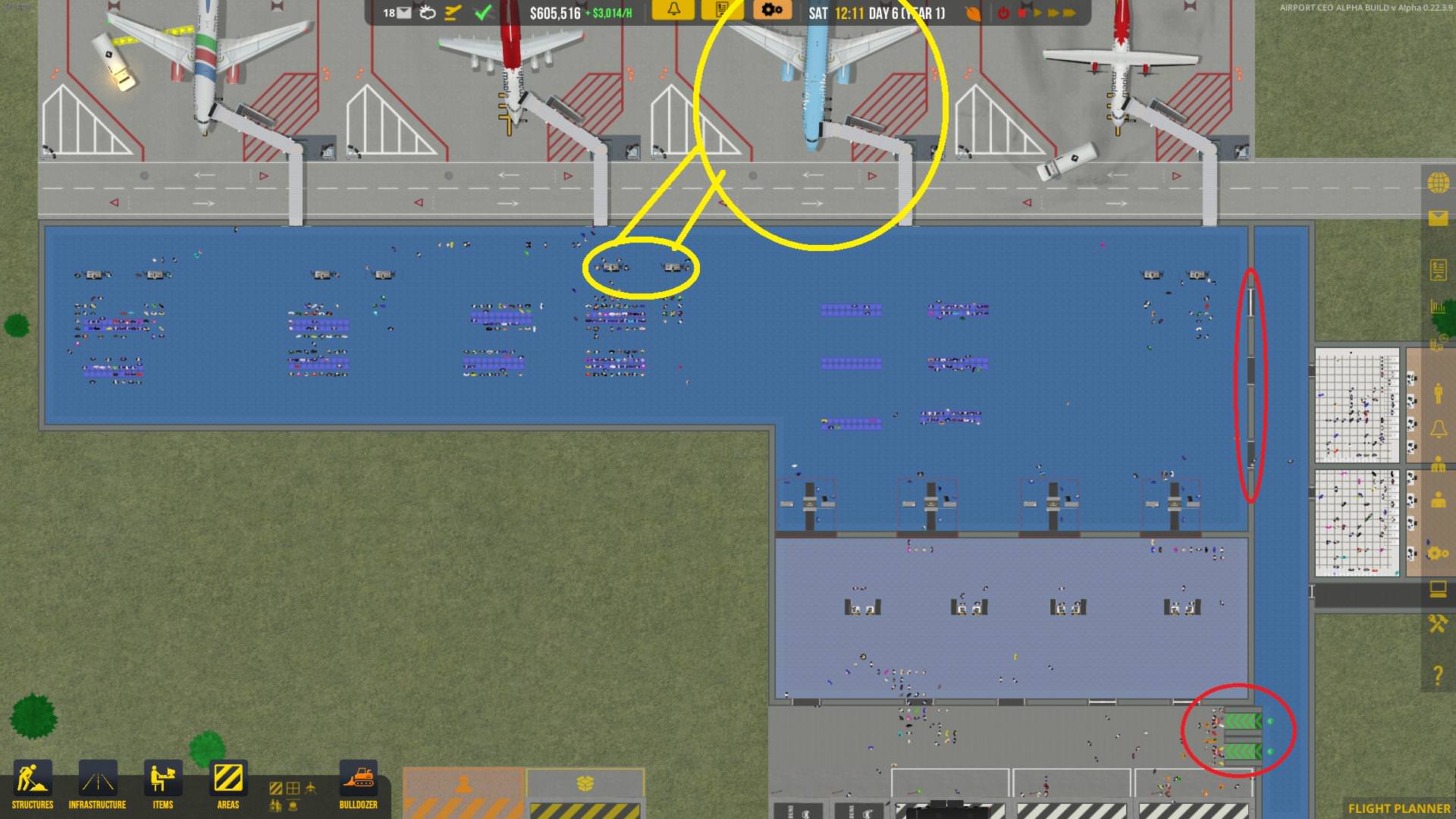
Heres a larger picture. Yellow circle is the plane that wont board as well as its 2 connected checking desks (staffed). Red circle is where my exits are. Passengers never used to have a problem walking to the exits, for some reason I’m guessing some pathfinding issue is not allowing passengers to find the exit in my airport. Passengers used to exit fine (before i added more terminals). It is not a structural/zonal issue.
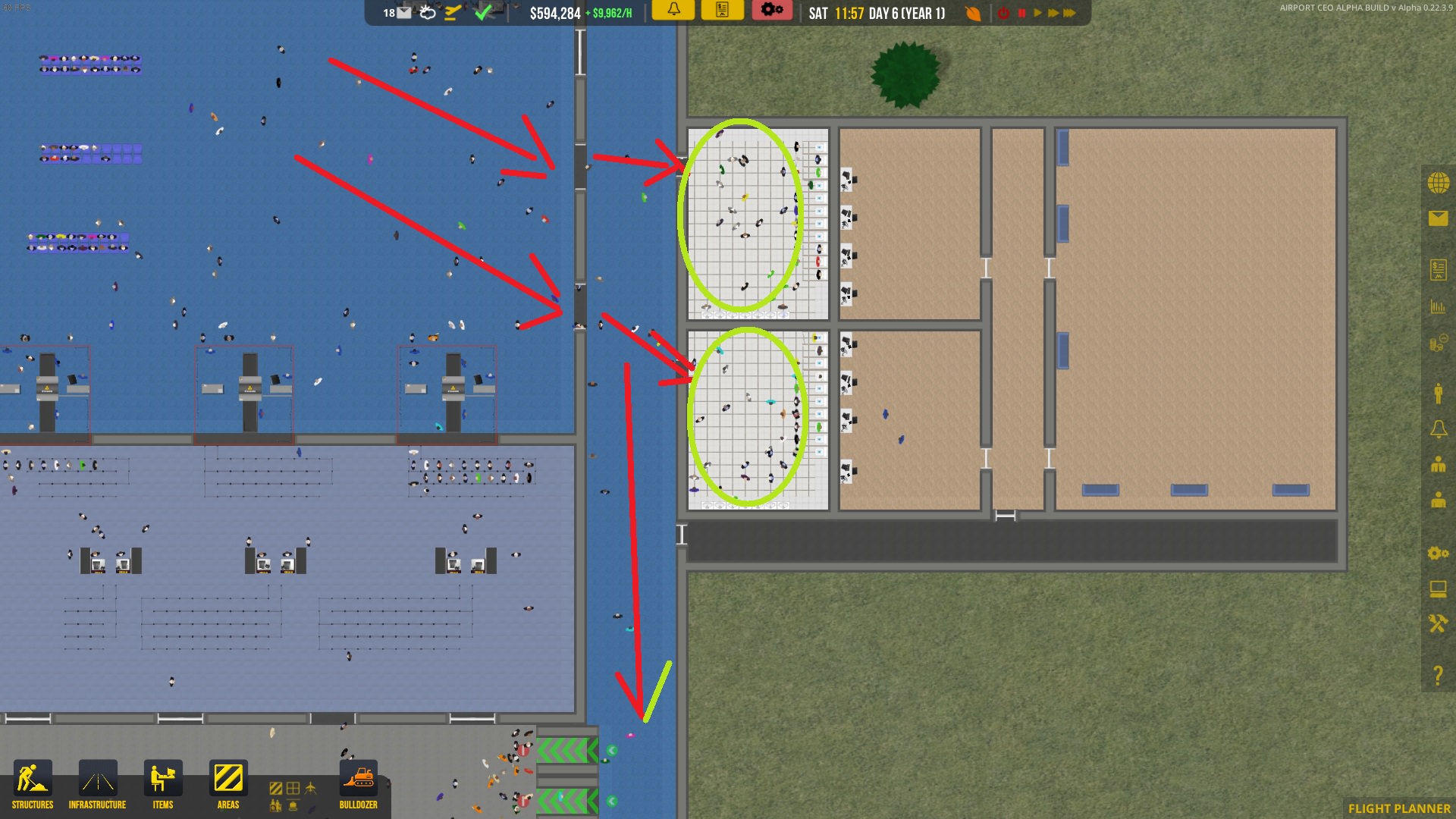
In this image you can see that some passengers do leave. I cant confirm which terminals they are from but I’m assuming they are from my two terminals closest to the security exit.
The passengers either leave, or they stand around idling in the toilets. Not sure if drug dealing in airport toilets is a new feature?

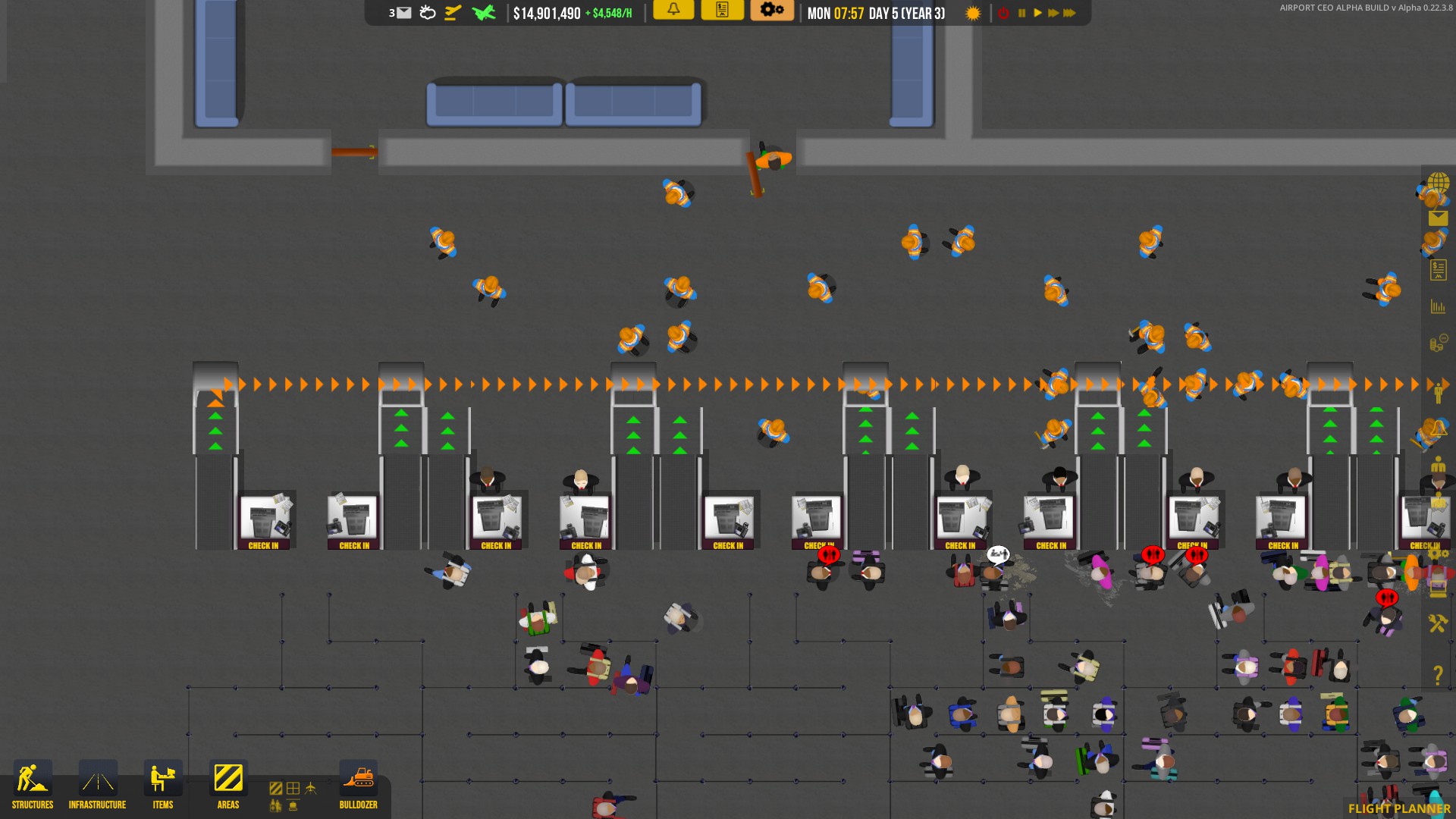
 - Guess I will have to wait till my contract is up with the airline and delete all my check-ins and re-do them with a space…